

Album Player Skin – Default Album View

Album Player Skin – Album Details View with Artist Logo

Album Player Skin – Album Mode View with On Screen Keyboard Opened

Basic Default Skin – Artist Mode View with Artist Portraits

Basic Default Skin – Album Mode View

Basic Default Skin – Genre Mode View with built in genre images

Basic Default Skin – Decades Mode with built in decades artwork

Basic Default Skin – Videos Mode

Basic Default Skin – Videos Mode View with Artist Portrait Artwork

Frankie Say Relax – Tracks/Songs Mode View

IndieGlo Classic Skin – Tracks Mode View

IndieGlo Classic Skin – Playlists Mode View

IndieGlo Junior Skin – Tracks/Songs Mode View

Lower Decks Skin – Tracks/Songs mode with video playing

Lower Decks Skin – Artist Mode View drilled down into an artist’s album

Lower Decks Skin -Genre Mode View

Lower Decks Skin – Decades Mode View with On Screen Keyboard Open

MacFarlane Skin – Tracks/Songs Mode View with title strips

MacFarlane Skin – Tracks/Songs Mode View with art grid

MacFarlane Skin – Genre Mode View with art grid and built in Genre Images

MacFarlane Skin – Album Details View with Artist Logo Artwork

MacFarlane Skin – Playlists Mode View

Nice and Clear Skin – Default Video Mode View

Woody’s Jukebox – Default Tracks/Songs View

IndieGlo Junior with TV Bezel Secondary Skin
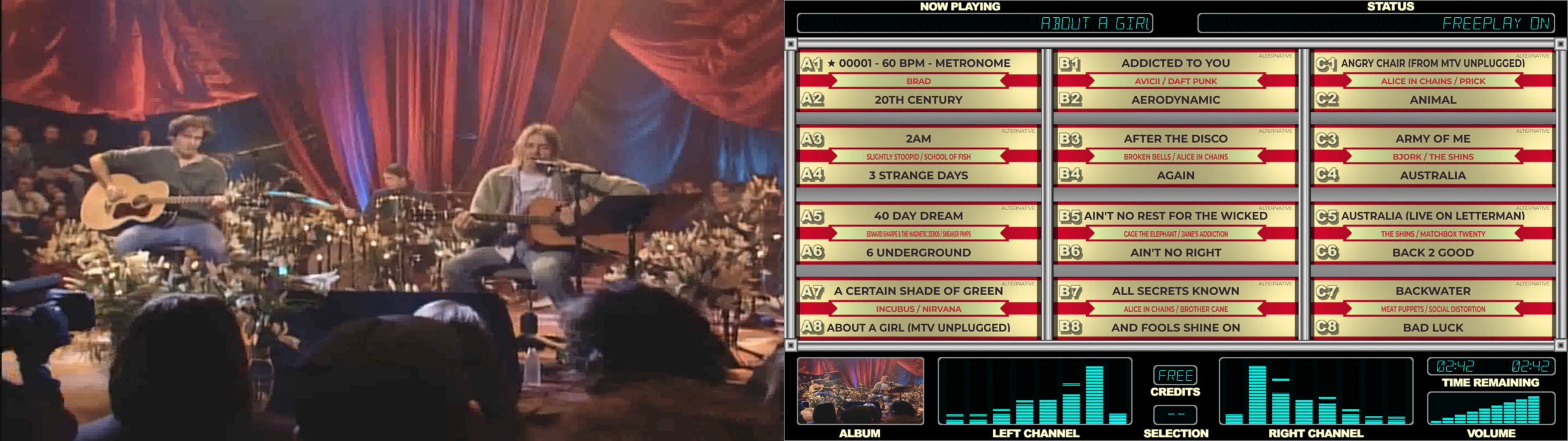
IndieGlo Junior Skin with Full Screen Video Secondary Skin
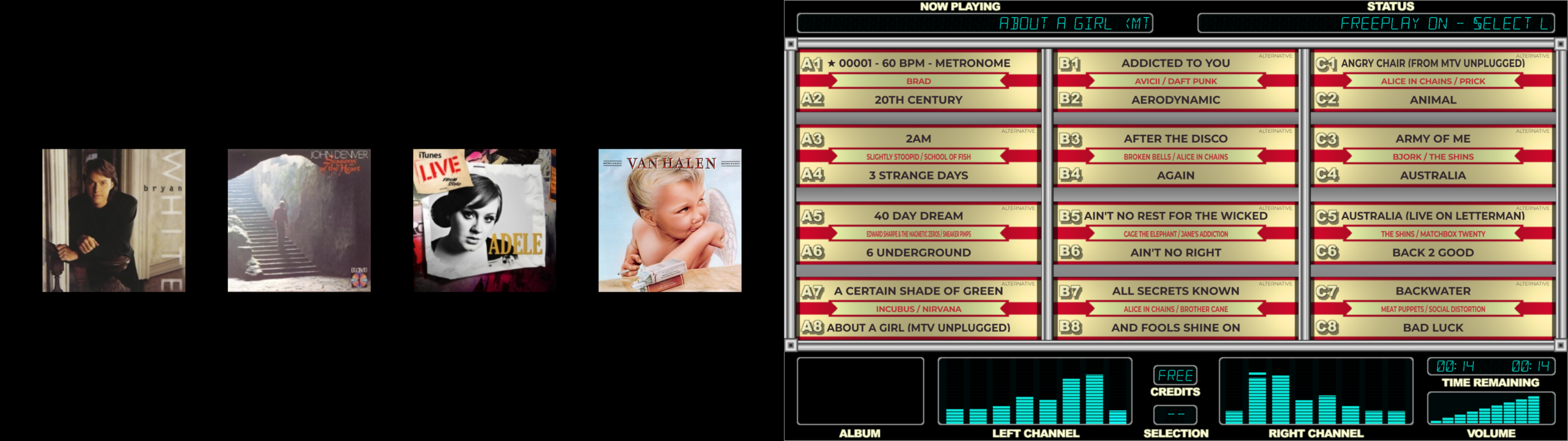
IndieGlo Junior Skin with Featured Albums Secondary Skin. Featured Albums randomly rotate at set intervals.
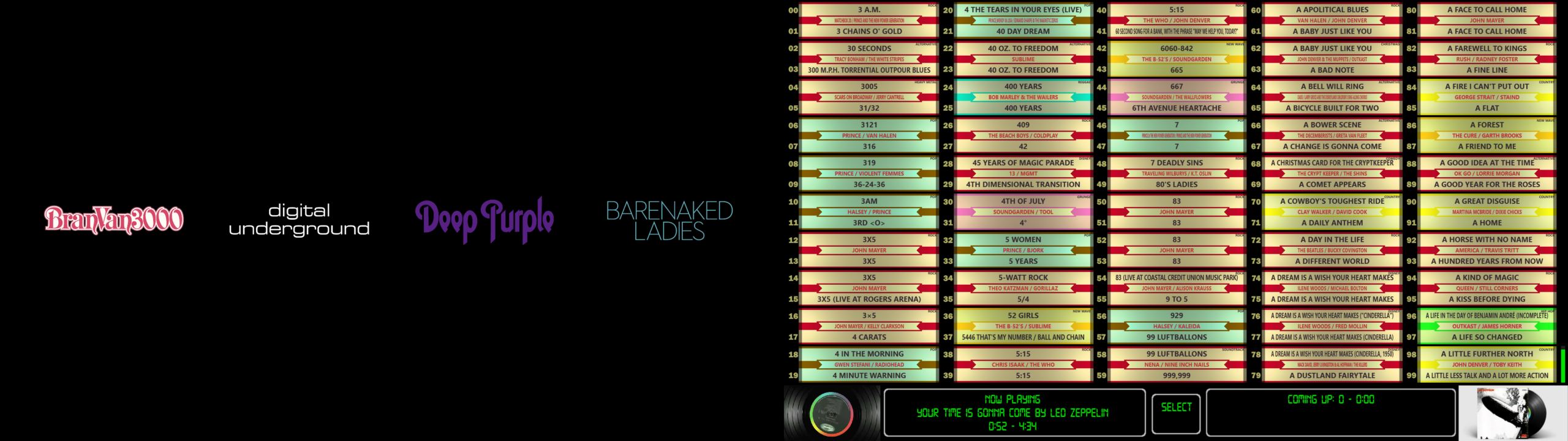
IndieGlo Classic Skin with Featured Artist Logos Secondary Skin. Logos randomly change at set intervals. Requires Artist Logos in ArtistLogos Folder
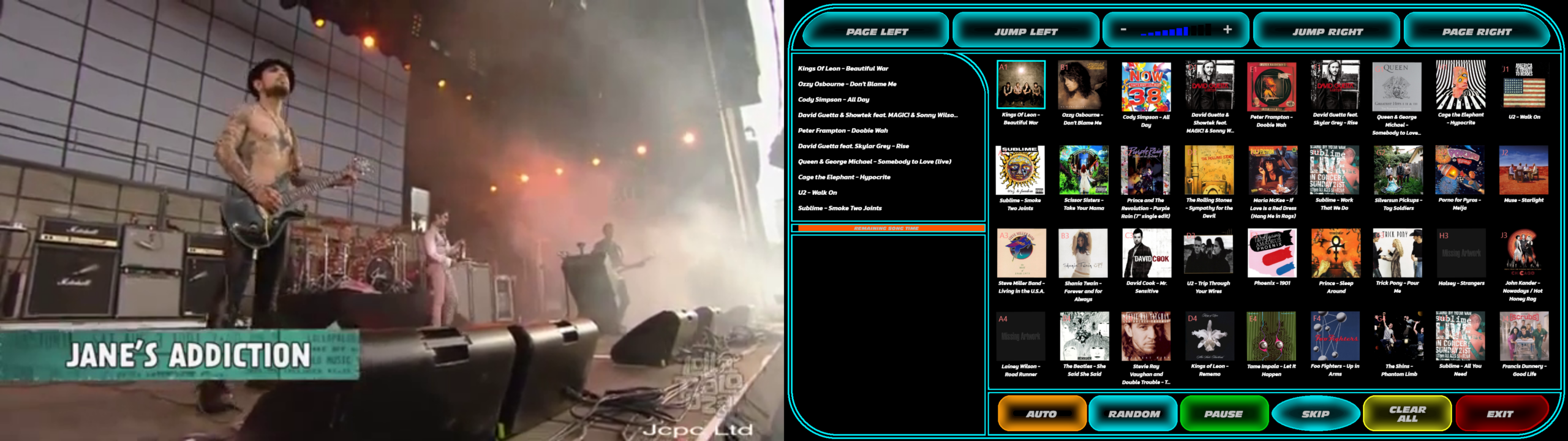
Macfarlane Skin with Full Video Secondary Skin

IndieGlo Classic Skin with Details Secondary Screen (FullVideoAndDetails)

Frankie Say Relax with Featured Albums Secondary Skin – Albums rotate on set intervals